> ## Documentation Index
> Fetch the complete documentation index at: https://docs.open-ci.io/llms.txt
> Use this file to discover all available pages before exploring further.
# OpenCI Dashboard
> How to use the OpenCI Dashboard
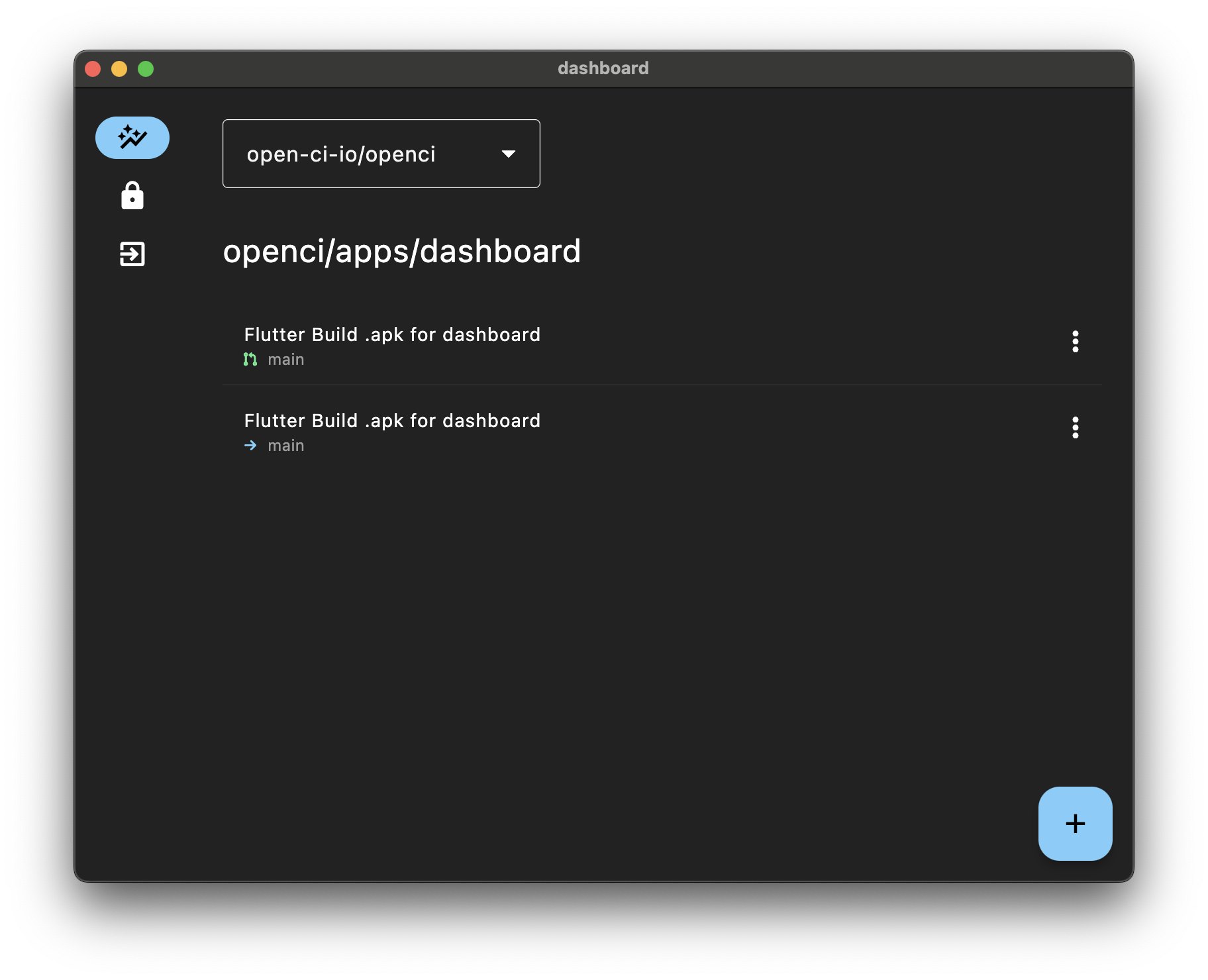 The OpenCI Dashboard allows you to perform various operations for OpenCI. It is available on the web and macOS.
There is no difference in functionality, so feel free to use whichever you prefer. The macOS version offers better performance but requires installation, while the web version can be accessed directly through your browser.
The web version is available at: [https://dashboard.open-ci.io/](https://dashboard.open-ci.io/)
For macOS, download the application DMG from: [https://github.com/open-ci-io/openci/releases/download/v0.3.2/openci\_v0.3.2.dmg](https://github.com/open-ci-io/openci/releases/download/v0.3.2/openci_v0.3.2.dmg)
# If You Are Self-Hosting
OpenCI can be self-hosted. As it utilizes Firebase, you must first create a Firebase project.
## GoogleService-Info.plist Configuration
The OpenCI Dashboard uses `GoogleService-Info.plist` for Firebase authentication.
Add a macOS app to your Firebase project. The required bundle ID is `io.openci.dashboard.ios`.
Once you have added the macOS app, download the `GoogleService-Info.plist` file.
## Dashboard Configuration
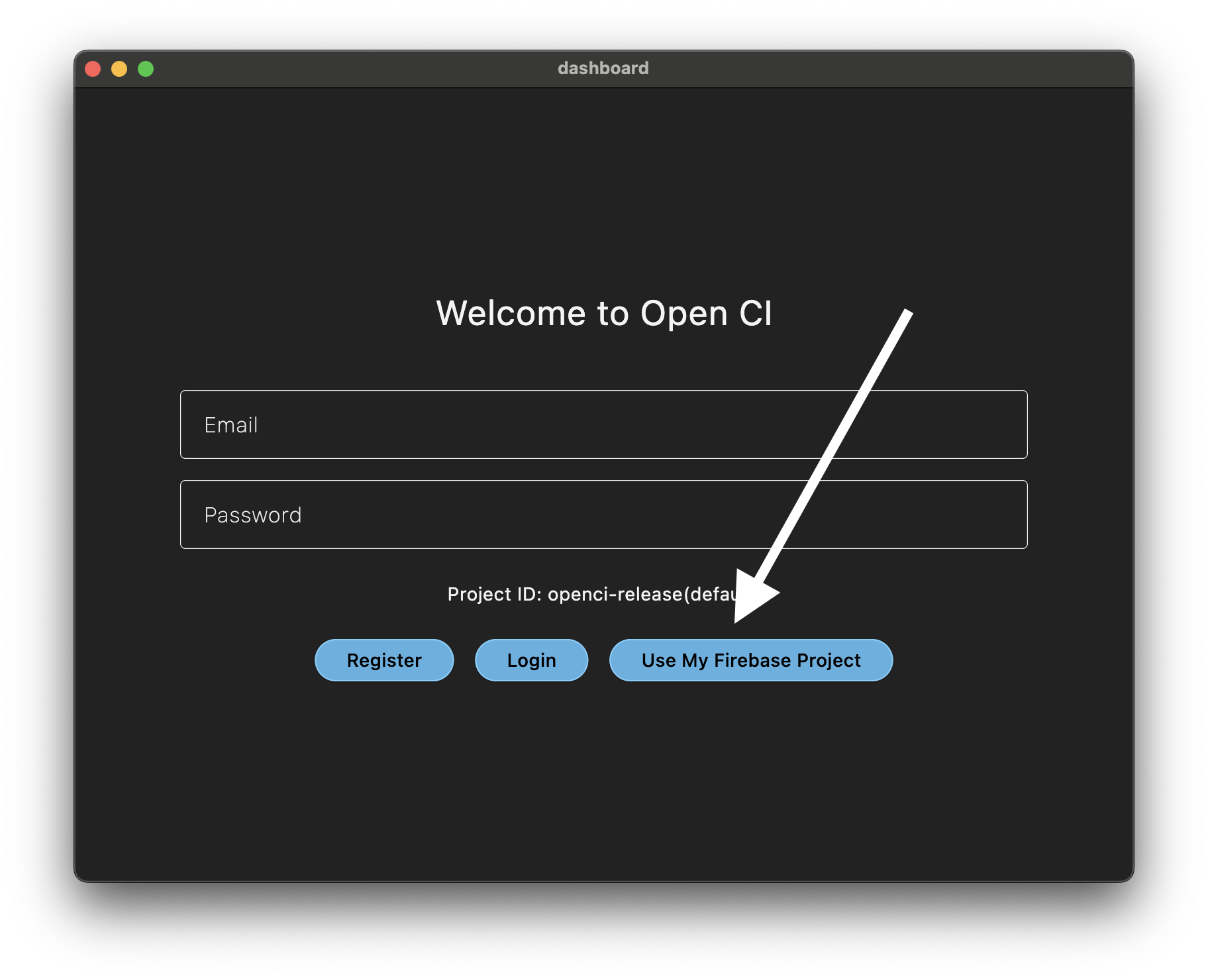
Once you launch the OpenCI Dashboard, configure it by providing the `GoogleService-Info.plist` file.
The OpenCI Dashboard allows you to perform various operations for OpenCI. It is available on the web and macOS.
There is no difference in functionality, so feel free to use whichever you prefer. The macOS version offers better performance but requires installation, while the web version can be accessed directly through your browser.
The web version is available at: [https://dashboard.open-ci.io/](https://dashboard.open-ci.io/)
For macOS, download the application DMG from: [https://github.com/open-ci-io/openci/releases/download/v0.3.2/openci\_v0.3.2.dmg](https://github.com/open-ci-io/openci/releases/download/v0.3.2/openci_v0.3.2.dmg)
# If You Are Self-Hosting
OpenCI can be self-hosted. As it utilizes Firebase, you must first create a Firebase project.
## GoogleService-Info.plist Configuration
The OpenCI Dashboard uses `GoogleService-Info.plist` for Firebase authentication.
Add a macOS app to your Firebase project. The required bundle ID is `io.openci.dashboard.ios`.
Once you have added the macOS app, download the `GoogleService-Info.plist` file.
## Dashboard Configuration
Once you launch the OpenCI Dashboard, configure it by providing the `GoogleService-Info.plist` file.
 ## Firebase Configuration
OpenCI utilizes Firestore and Firebase Authentication. You need to provision Firestore and enable Email authentication within Firebase Auth.
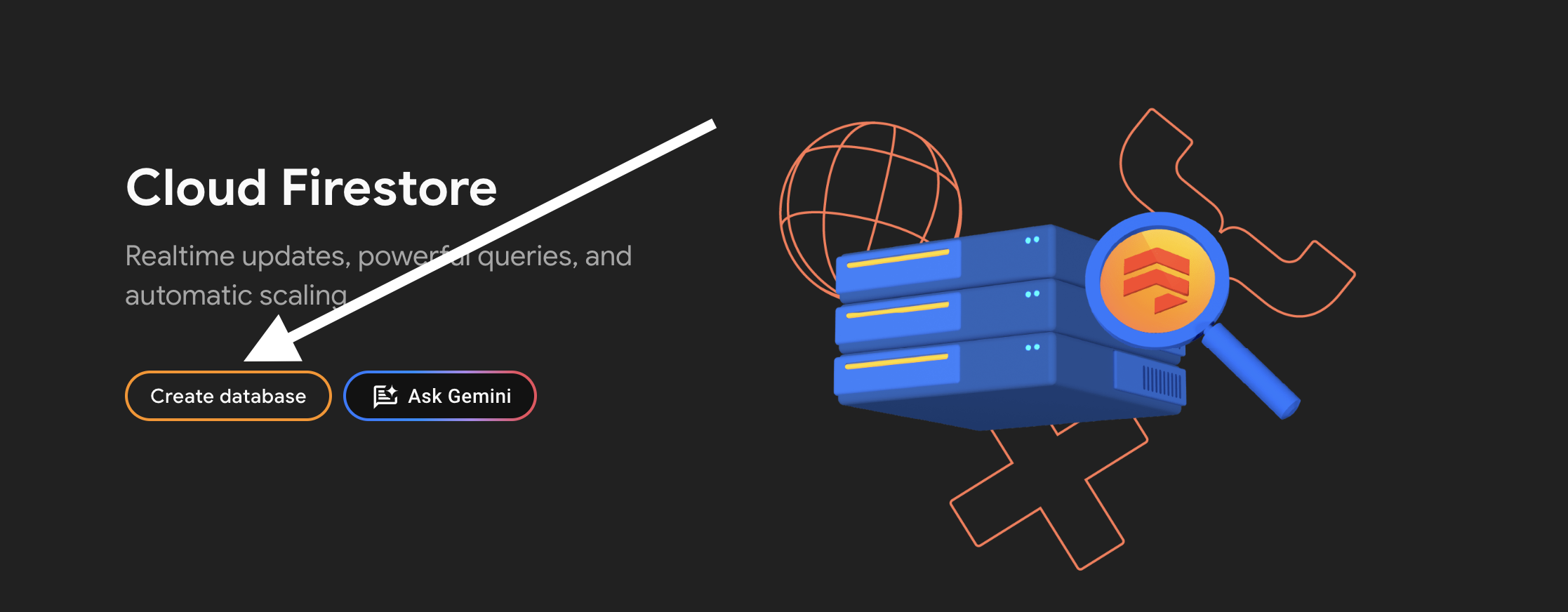
### Provisioning Firestore
## Firebase Configuration
OpenCI utilizes Firestore and Firebase Authentication. You need to provision Firestore and enable Email authentication within Firebase Auth.
### Provisioning Firestore
 ### Enabling Email Authentication in Firebase Auth
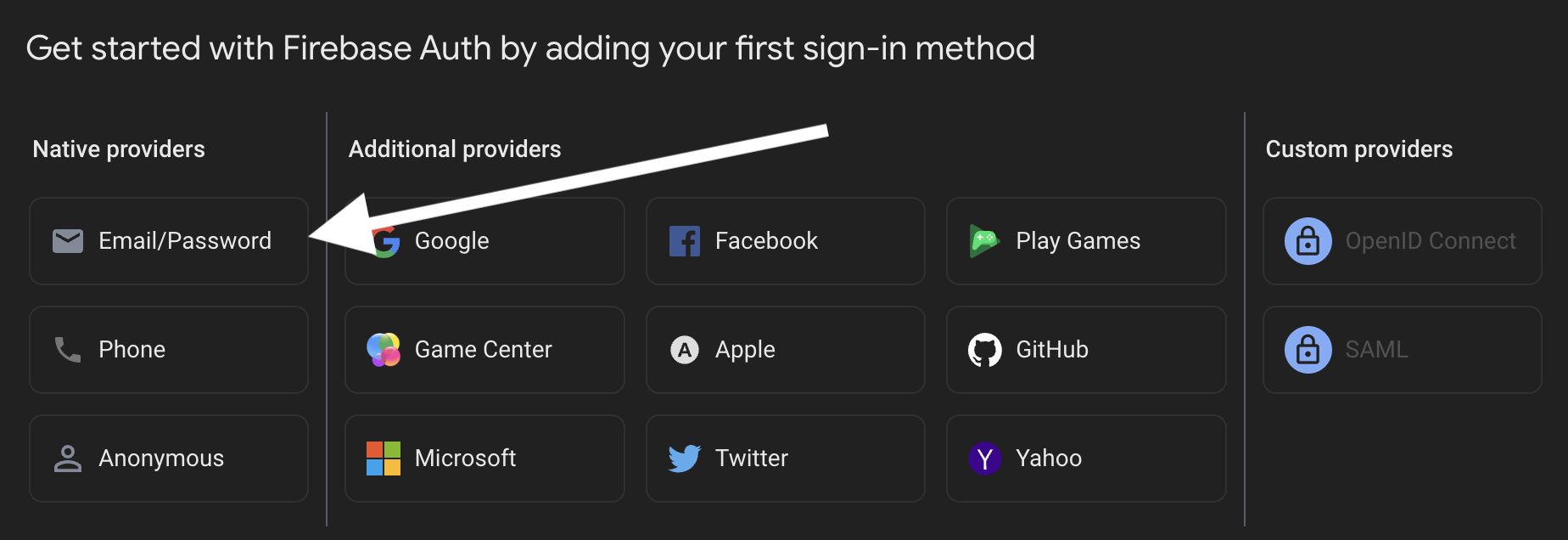
Enable Email authentication in Firebase Auth.
### Enabling Email Authentication in Firebase Auth
Enable Email authentication in Firebase Auth.